
If you're managing a fleet of smartphones, tablets, and laptops, you already know the value of Mobile Device Management (MDM). But before you can enforce policies and lock down mobile device security, you need to answer one foundational question: where does the MDM platform itself live? On your own servers, or in the cloud?
Today, we're diving into one of the most common debates in IT: cloud-based MDM vs. on-premise MDM. Choosing the right deployment model is more than a technical checkbox, it directly shapes your IT costs, data security posture, and how quickly your organization can scale. Getting it right matters.
In this guide, we'll break down both deployment models side by side; covering infrastructure, costs, security, scalability, and compliance. We'll also walk through a hybrid option and give you a practical framework for deciding which model fits your organization. Whether you lean toward the flexibility of a cloud MDM solution or the hands-on control of an on-premise setup, you'll leave with the clarity to make the call.
So, let's get started on simplifying your mobile device management journey, because managing your devices shouldn't be a headache, but a stepping stone to smoother, smarter operations.
Importance of MDM in today's business environment
Deployment options
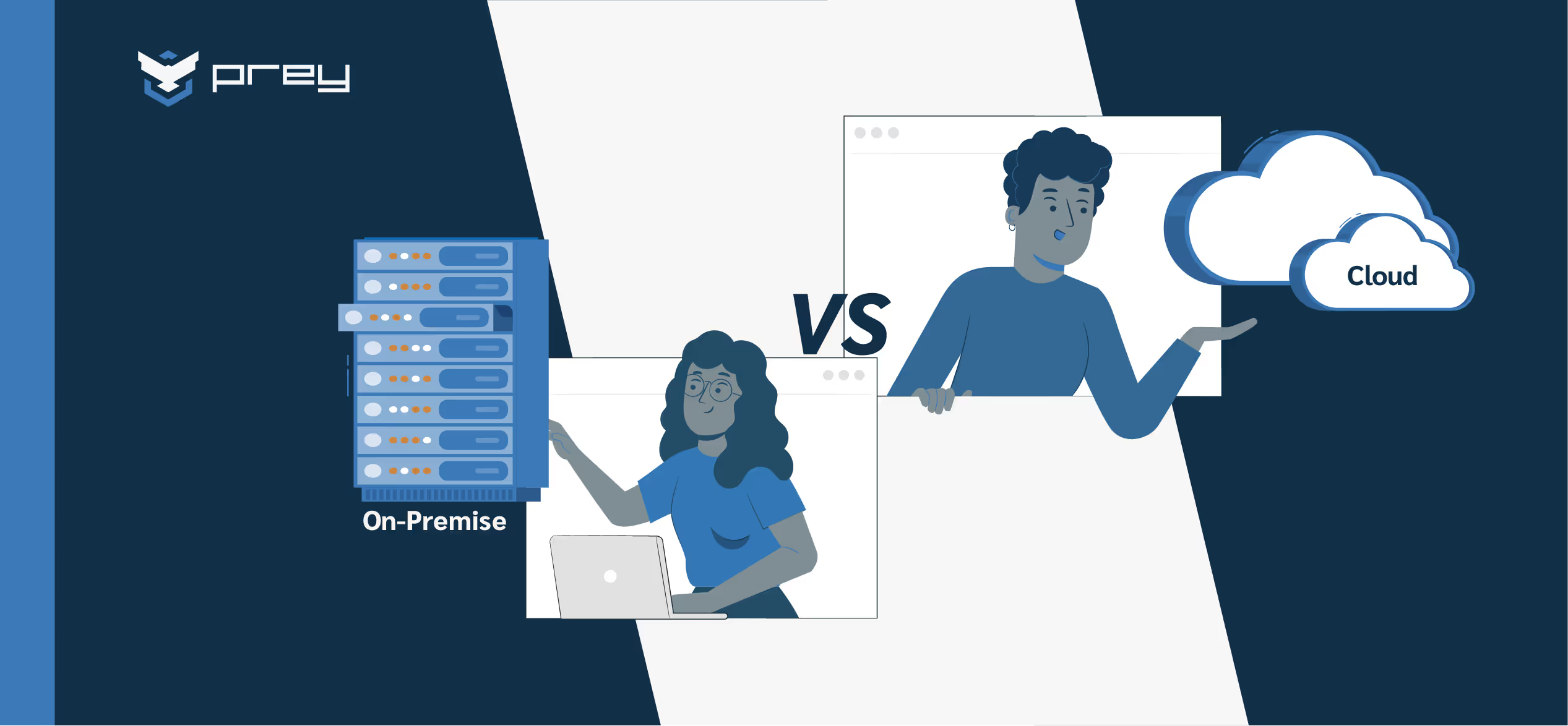
When implementing MDM, organizations typically land on one of two deployment models: Cloud-Based MDM or On-Premise MDM. Cloud deployments are hosted by the vendor and accessed over the internet, offering speed and scalability. On-premise deployments run on your own servers, giving you direct control over data and infrastructure—a critical advantage for businesses in regulated industries.
With remote work now standard and compliance requirements tightening, the deployment model you choose has real downstream effects on security, cost, and operational agility. Let's unpack both options so you can make an informed decision.
Cloud-based and on-premise MDM defined
Cloud-based MDM
Cloud-based MDM leverages the power of the cloud to manage and secure mobile devices remotely. This approach typically involves a subscription-based model, where the MDM software is hosted on remote servers and accessed via the Internet. Key features include:
- Scalability: Easily accommodates growing numbers of devices without significant additional hardware investments.
- Accessibility: Managed from anywhere, making it ideal for organizations with distributed or remote workforces.
- Ease of Deployment: Faster setup with minimal on-site IT infrastructure requirements.
- Automatic Updates: Regular software updates and maintenance are handled by the service provider.
- Data Backup & Recovery: Built-in redundancy and automated backups handled by the service provider, reducing the burden on your internal IT team and minimizing data-loss risk.
Cloud-based MDM solutions are designed to be user-friendly and efficient, allowing IT teams to deploy policies, monitor devices, and enforce security measures through a centralized dashboard without the need for extensive internal server resources.
On-premise MDM
On-premise MDM involves hosting the MDM solution within the organization's own data centers. This model gives businesses full control over the software and underlying infrastructure. Key characteristics include:
- Enhanced Control: Complete oversight of data and security configurations, allowing for highly customized setups.
- Customization: Greater flexibility to tailor the solution to specific business needs and regulatory requirements.
- Integration: Seamless integration with existing internal systems and legacy applications.
- Security: Direct control over data storage and access, which is critical for industries with stringent compliance needs.
On-premise MDM typically requires purchasing a perpetual license (or a copy of the software) and hosting the entire instance within your own infrastructure. That means your organization owns the deployment end to end—from hardware to security patches.
That said, managed service providers (MSPs), can play a crucial role in supporting on-premise MDM solutions by supplementing the IT department's efforts and addressing challenges during and after installation.
In short, with on-premise mobile device management the responsibility for maintenance, updates, and security rests squarely on your IT department. That includes provisioning server hardware, managing software patches, and handling incident response—so make sure your team has the bandwidth before committing.
Cloud vs. on-premise MDM compared
Selecting the right MDM solution means weighing trade-offs across deployment speed, cost, security, and long-term flexibility. The comparison chart below gives you a side-by-side view so you can quickly spot where each model wins—and where it falls short—for your specific environment.
Deep dive into each category
Cloud-based vs. on-premise MDM pros and cons
When evaluating MDM solutions, it's crucial to weigh the advantages and disadvantages of each deployment model. This section provides a clear "cloud vs on-premise comparison" by outlining the key pros and cons of cloud-based and on-premise MDM.
Cloud-based MDM
On-premise MDM
Exploring hybrid MDM deployment options
What is hybrid cloud MDM?
Hybrid Cloud MDM combines elements of both cloud-based and on-premise solutions, allowing organizations to manage mobile devices using a blended approach. In this model, core management functions are maintained on internal servers—providing enhanced control and customization—while leveraging the cloud for additional scalability, remote access, and real-time analytics.
In practice, many organizations adopt hybrid models because they can't fully abandon existing on-premise investments but recognize they need cloud capabilities to stay competitive. Hybrid lets you protect what you've already built while gaining the agility the cloud provides.
Comparison with pure on-premise solutions
Comparing hybrid cloud to a pure on-premise setup highlights the flexibility a blended approach can offer. Key benefits include:
- Flexibility: A hybrid model enables organizations to tailor their MDM strategy to different operational scenarios.
- Enhanced Security: By keeping core security functions on-premise, businesses can maintain strict control over sensitive data while still benefiting from the cloud's rapid scalability.
- Balanced Resource Allocation: Hybrid MDM mitigates some challenges of pure cloud deployments while reducing the heavy upfront investments of on-premise systems.
Use cases for hybrid MDM
- Regulated Industries: Companies can store sensitive data on-premise while using cloud capabilities for less critical functions.
- Global Enterprises: Businesses can leverage the cloud for centralized management while maintaining local control where necessary.
- Incremental Migration: Organizations can gradually shift to cloud-based management without disrupting existing on-premise setups.
- Scalable Growth: Offers the scalability of the cloud to handle increasing device counts paired with the stability of on-premise solutions.
Factors to consider when choosing your MDM deployment
Business size and IT resources
- Smaller Businesses: Often benefit from cloud-based MDM due to lower upfront costs.
- Larger Enterprises: May prefer on-premise or hybrid solutions that offer enhanced control.
Budget and cost structure
- Cloud-Based MDM: Typically offers lower initial costs with a subscription-based model.
- On-Premise MDM: Requires significant upfront investment in hardware and software.
Security and compliance needs
- Regulatory Requirements: Industries with strict data protection may favor on-premise MDM.
- Data Protection: Assess the sensitivity of your data to determine the level of control needed.
Integration with existing infrastructure
- Legacy Systems Compatibility: On-premise MDM often integrates more seamlessly with legacy applications.
- APIs and Third-Party Tools: Cloud-based solutions typically offer modern APIs for better interoperability.
Scalability and future-proofing
- Growth Projections: Cloud-based MDM offers dynamic scalability for rapidly growing organizations.
- Technological Evolution: Cloud solutions generally stay up-to-date with the latest advancements automatically.
What is the best MDM deployment for your company?
There's no one-size-fits-all answer—but there is a right fit for your situation. As a quick rule of thumb: choose cloud-based MDM if you need flexible, scalable resources with lower infrastructure overhead and fast deployment. Choose on-premise MDM if you need complete control over infrastructure and data, deep customization, and support for sensitive or highly regulated environments. A hybrid approach makes sense when you need elements of both.
To narrow it down further, ask these questions about your organization:
- How many devices do you manage? Under 500 devices typically favors cloud.
- Is your workforce distributed or centralized? Remote teams benefit from cloud-based MDM.
- What are your compliance requirements? Strict data sovereignty may require on-premise.
- What is your IT team capacity? Limited resources favor vendor-managed cloud solutions.
- What is your budget structure? OpEx-oriented teams lean toward cloud subscriptions.
Recommendations and best practices
Implementation best practices
For Cloud-Based MDM:
- Conduct a comprehensive review of vendor SLAs and security protocols.
- Initiate a pilot program to validate performance.
For On-Premise MDM:
- Plan infrastructure upgrades and allocate IT resources for maintenance.
- Develop detailed implementation roadmaps.
Vendor selection tips
- Track Record: Choose vendors with proven success in your industry.
- Security Credentials: Ensure adherence to high security standards.
- Customization: Evaluate the level of customization and support offered.
- SLAs & Data Residency: Review uptime guarantees, incident response commitments, and where your data will physically reside—especially if you operate across jurisdictions.
- Operational Fit: Determine whether your organization prioritizes ownership and control or values flexibility and speed. The best vendor aligns with that philosophy, not against it.
Why Prey is built for cloud-based MDM
If your organization is leaning toward a cloud-based MDM approach, Prey delivers exactly what modern IT teams need: real-time device visibility, remote security actions, and centralized management — all from a cloud dashboard.
- Cloud-native architecture: No servers to maintain.
- Always-on GPS tracking: Continuous tracking with location history.
- Remote lock, wipe & factory reset: Protect data on lost or stolen devices.
- Geofencing & automated policies: Set location-based rules and alerts.
- Multi-OS support: Windows, macOS, Linux, Android, iOS, and Chromebook.
- Breach monitoring: Dark web scanning for leaked credentials.
Conclusion
Here's the bottom line: cloud-based MDM wins on speed, scalability, and lower upfront cost—making it the natural choice for distributed teams and growing organizations. On-premise MDM wins on control and customization, particularly for regulated industries with strict data sovereignty requirements. And if you need a bit of both, a hybrid model lets you bridge the gap.
Your choice should align with your organization's size, IT capacity, compliance obligations, and budget structure. The deployment model you pick today will shape your IT costs, security posture, and operational agility for years to come—so take the time to get it right.
If you're ready to explore a cloud-based approach, Prey makes it easy to get started with zero infrastructure overhead and full cross-platform support.
FAQs
What is the difference between cloud-based and on-premise MDM?
Cloud-based MDM is hosted on the vendor's servers and accessed over the internet—offering quick deployment, automatic updates, and easy scalability with minimal on-site infrastructure. On-premise MDM is installed on your own hardware and hosted locally, giving you full control over data, security configurations, and integrations—but requiring significant upfront investment and dedicated IT resources to maintain.
How does the cost of cloud vs. on-premise MDM compare over time?
Cloud-based MDM has a lower entry cost — you pay a recurring subscription with no hardware to buy. On-premise MDM requires a larger upfront investment in servers, licenses, and IT staff.
Over time, the gap narrows. Cloud costs compound with subscription fees and per-device pricing as your fleet grows. On-premise costs level off once infrastructure is in place, but you still pay for maintenance, upgrades, and internal IT support. For smaller teams or fast-growing organizations, cloud usually wins on total cost of ownership (TCO). For large enterprises with stable device counts and existing infrastructure, on-premise can be more cost-efficient in the long run.
What is the difference between SaaS and on-premise MDM?
SaaS (Software as a Service) MDM is a cloud delivery model where the vendor hosts, maintains, and updates the platform for you. You access it through a web browser and pay a recurring subscription — no servers, no installation, no manual patching.
On-premise MDM uses a software license you deploy on your own infrastructure. Your IT team owns the full stack: hardware, updates, security, and uptime. Most cloud MDM tools today — including Prey — are delivered as SaaS, which means faster setup and lower operational overhead compared to managing an on-premise install.
Does on-premise MDM make compliance easier for regulated industries?
Often, yes. On-premise MDM gives your organization direct control over where data is stored, who can access it, and how it's handled. That level of control makes it easier to satisfy strict regulations like HIPAA, GDPR, or government data sovereignty mandates.
Cloud MDM can also meet compliance requirements — but only if your vendor holds the right certifications and offers data residency options that align with your rules. If your compliance framework requires data to stay within specific physical or geographic boundaries, on-premise or a hybrid MDM model is typically the safer choice.
Can I integrate both models into a hybrid solution?
Yes, many organizations combine both approaches in a hybrid model to leverage the scalability of cloud solutions while retaining the control of on-premise systems.