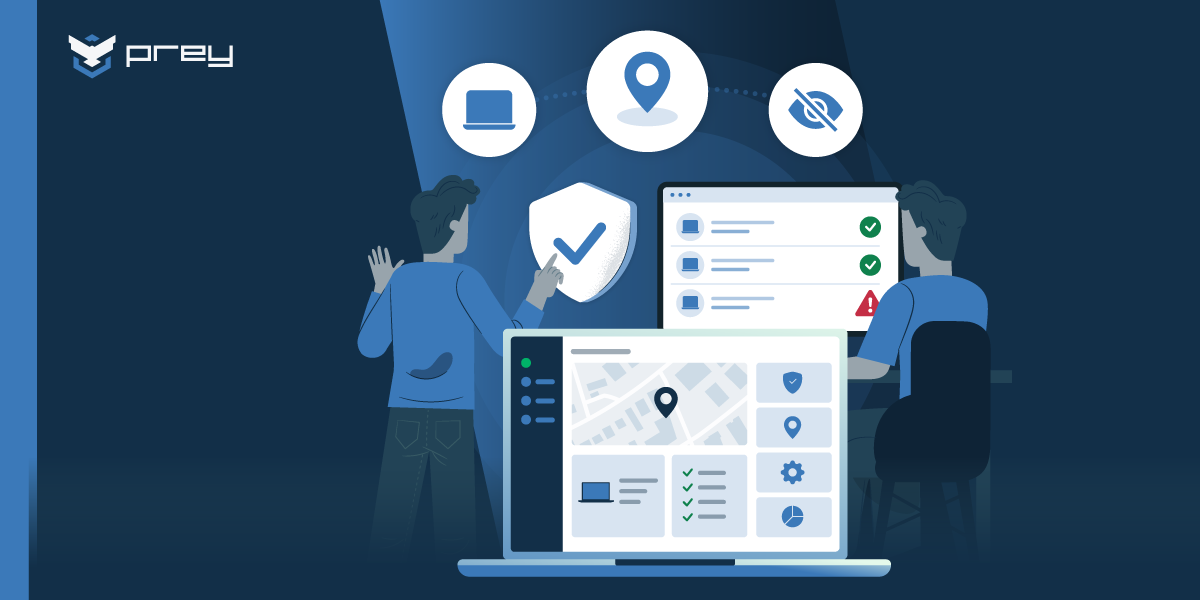
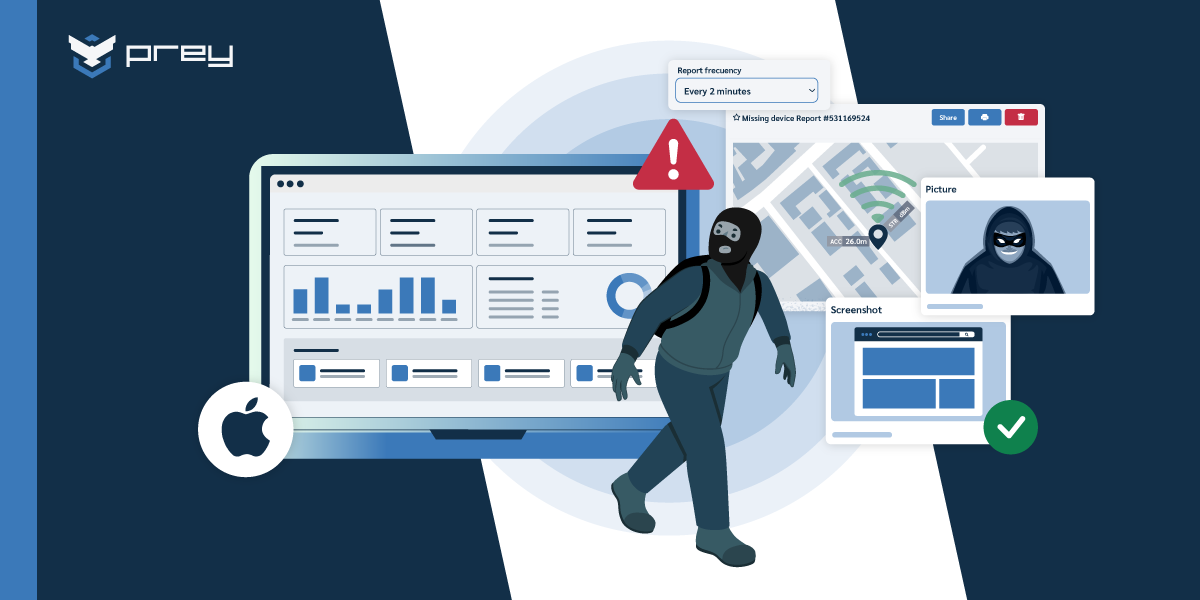
What if your security system could react the moment a device leaves the building—or a high-risk zone? That’s the power of geofencing in cyber security, and if your organization isn’t using it yet, you might already be behind.
Geofencing creates invisible, location-based boundaries that trigger automatic security actions—like locking a device, sending alerts, or restricting access—when crossed. And in a world where 70% of employees now work remotely at least once a week, protecting data outside the office walls has never been more critical.
With cyber threats evolving and sensitive data constantly on the move, businesses need smarter, faster ways to react. Geofencing helps IT teams move from passive monitoring to proactive security, ensuring that devices and data stay protected—no matter where they go.
In this guide, we’ll explore:
- What geofencing actually is
- How it works in the cybersecurity landscape
- Why it’s quickly becoming essential for modern device protection
- And how you can use it to level up your security posture
Don’t wait until a device goes missing across borders or connects to a rogue network. Let’s dive into how location-based security is transforming the way organizations protect their most valuable assets.
Location-based controls that stop data leaks (BYOD-ready)
-
Core idea: Geofencing adds an “invisible layer” of security—enforcing app/network access, alerts, and actions based on a device’s location to curb data loss in mobile/BYOD fleets.
-
Why now: Mobility, IoT, and legacy stacks stretch the perimeter; limited budgets and staffing widen risk. Location-aware controls help contain exposure without heavy lift.
-
What geofencing enforces: Allow/deny app use and data access by zone, require VPN/MFA in public areas, auto-lock or wipe on exit, and flag anomalies via alerts and logs.
-
Use cases: Keep data in (on-prem apps only on campus), keep data out (block off-site access), protect 1:1 and loaner devices, and segment high-risk areas.
-
How to implement: Map sensitive apps/data → define zones → set policies (allow/deny, read-only, VPN required) → enable alerts & automation → pilot → monitor & refine.
-
Stack it with: MDM/EMM, SSO/MFA, firewalls, network segmentation, and web filtering so location rules reinforce identity and network controls.
-
Privacy & compliance: Use minimal location data, be transparent with users, log actions for audits, and align with sector rules (e.g., HIPAA/GDPR/CIPA for K-12).
-
Prey angle: Define Control Zones (geofences), get enter/exit alerts, trigger remote lock/wipe/kill-switch, restrict access by zone, and generate evidence-ready reports—fleet-wide, from one dashboard.
Understanding the power of geofencing in cybersecurity
Transitioning our focus to IT, geofencing provides impressive benefits to IT ops teams. It affords a paramount security layer that improves their capacity to monitor remote devices, protect the security system, safeguard confidential data, maintain compliance, and counteract with security action to prevent unauthorized access. Combining geofencing with multi factor authentication can provide an extra layer of security for sensitive systems, making unauthorized access even more difficult.
For example, IT teams can set up geofencing parameters to prevent access to sensitive data outside of specific locations, such as office premises, or a certain location defined by GPS or mapping tools, or secure remote networks. In this manner, whether an employee accidentally attempts to access their devices from an unsecured public network or a malicious attacker tries to breach through unfamiliar locations, the geofence will obstruct this activity and send immediate alerts to IT teams. Geofencing systems track a device's location in real time to determine if it is within an authorized area. Geofencing can also detect deviations from usual patterns of device movement, helping to identify potential security breaches.
What is a virtual boundary in geofencing?
Geofencing is a location-based technology that creates a virtual perimeter around a real-world geographic area. It uses GPS, RFID, Wi-Fi, or cellular data to trigger specific actions when a connected device enters or exits this defined zone. From retail to marketing, logistics, social networking services, healthcare and IT security, geofencing is used across a variety of sectors for different purposes.
Business risks that make geofencing relevant
Data breaches keep climbing, and the pattern behind them is consistent. The 2025 Verizon Data Breach Investigations Report logged more than 12,000 confirmed breaches, with the human element (misdelivery, misconfiguration, stolen credentials) behind most of them. IBM’s 2024 Cost of a Data Breach report put the average breach at $4.88 million, a figure driven as much by slow detection as by the initial compromise.
At the same time, the perimeter has dissolved. BYOD is now near-universal, and a large share of employees use personal endpoints for work whether or not IT formally approves it. Add remote and hybrid schedules and a growing fleet of IoT devices, and IT teams end up managing thousands of endpoints that rarely sit inside a controlled network. Geofencing narrows that exposure by tying enforcement to location: a device that drifts outside an approved zone triggers a response on its own, instead of waiting for someone to notice.
Setting boundaries: how geofencing defines secure zones
Geofencing technology enables businesses to define secure zones by establishing virtual boundaries around specific geographical locations, such as offices, healthcare facilities, or other sensitive areas. These virtual boundaries are crucial for controlling access and protecting sensitive information. When a device enters or exits a geofenced area, geofencing technology can automatically trigger a range of security actions—such as sending real-time alerts to security teams, restricting network access, blocking access to certain data, or even encrypting sensitive information to prevent unauthorized use.
By setting virtual boundaries, companies can enhance security and prevent data breaches by ensuring that only authorized personnel can access sensitive data within designated areas. For instance, a healthcare facility might use geofencing to restrict access to patient records, allowing only devices within the facility’s geofenced perimeter to view or modify sensitive information. Geofencing technology relies on communication technologies like GPS, cellular data, and Wi-Fi to accurately define these virtual boundaries and trigger events when a device enters or exits a secure zone.
Beyond security, geofencing can also improve customer engagement by enabling location-based services and targeted alerts. For example, a company can set a geofence around its office building to control access to sensitive areas and receive instant alerts if an unauthorized device enters the geofenced area. This proactive approach not only enhances security but also streamlines compliance and operational efficiency, making geofencing an invaluable tool for businesses looking to protect their data and assets in today’s digital landscape.
Boosting the efficiency of location tracking and monitoring
Geofencing, when integrated into device tracking and monitoring, leverages GPS or RFID technology to form a virtual border encompassing a physical location, including mobile devices. Geofencing relies on accurate location data to monitor devices and enforce security policies. These virtual borders are defined based on the device's geographical location.
For IT security units, it serves as an exceptional tool, enabling them to manage and safeguard devices, no matter their location. Imagine, a protected device breaches this digital boundary, a warning can be set off, allowing for quick security actions to be taken against potential security risk. For instance, it’s possible to restrict certain device actions or activities when it’s outside the predetermined geofenced area. Such restrictions could involve blocking access to company devices, wipe data or preventing downloads of potentially harmful applications.
Triggering security actions and alerts
One of the remarkable utilities of geofencing technology is its ability to trigger specific actions or alerts. This feature can be particularly effective for IT security teams. Geofencing can trigger actions such as sending alerts or turning on security cameras to enhance security.
Customizable Alerts and Notifications
Geofencing can be configured to send alerts or notifications when a tracked device enters or exits a specific geographical boundary. These alerts or notifications can include sending a text message to users or administrators. This can give you and your team real-time insights about potential rogued behaviors that can lead to a threat. Imagine receiving an alert the moment a company device exits a secure location during curious hours – the proactive response time can be invaluable.
Actionable Insights and Responses
More than just alerts, geofencing allows IT teams to set up automated responses to certain events. If a device is detected in a risky location, you can automatically restrict its access to sensitive data or even lock the device entirely. Additionally, encrypting data can be automatically initiated to further protect user information. It can also be used to keep track of devices, helping IT teams managing and monitoring critical IT assets, offering insights into device usage patterns that could indicate potential threats or security vulnerabilities.
Common use cases of geofencing for IT operations
Activating geofences can supercharge your cybersecurity efforts and manage security systems in myriad ways. Let’s explore some practical scenarios where implementing this technology could have a significant impact.
Device management
One common use case is in device management. IT teams can establish a geofence around a specific location, such as an office or school building, and then set rules for the devices within that area. For instance, if a device leaves the geofenced area, it could be automatically locked or wiped to prevent unauthorized access to sensitive data.
Sensitive zones monitoring
Imagine creating an invisible boundary around your company’s building, server room or even cities or country. Once set up, this geofence system can alert security teams when unauthorized devices enter or exit these sensitive zones.
Enforce compliance policies
Another use case of geofencing in IT security is in the enforcement of compliance policies. For example, a company may have a policy that certain data or applications can only be accessed from within a specific geographical area. By setting up a geofence, the IT team can ensure that this policy is strictly enforced. If an attempt is made to access the data or application from outside the geofenced area, the access can be automatically denied.
Stolen device tracking
Geofencing can be particularly helpful in tracking and recovering lost or stolen devices. As soon as the device leaves a pre-defined zone, IT teams can be alerted, making retrieval attempts more timely and probable.
Location-based authentication
Geofencing can be used to provide location-based authentication. This means that a user’s current location can be used as an additional factor in the authentication process. For example, if a user typically accesses a system from a specific location, and then suddenly attempts to access it from a different location, this could be flagged as suspicious and require additional authentication.
Tiered access
Not every device needs full access all the time. Geofencing lets you define what resources are available depending on where a device is: a BYOD laptop might reach only low-risk apps while off-site and gain broader access inside headquarters. It is a way to enforce least-privilege by location, without constant oversight or user intervention.
IoT and fleet security
From smart sensors to delivery tablets, IoT and fleet devices often operate far from any office. Geofencing sets operational boundaries around routes or service areas, so a device that goes off-route or leaves its zone is flagged immediately. That keeps visibility over endpoints spread across large areas and helps detect theft or misuse early.
Rising adoption with MDM
As more teams run Mobile Device Management (MDM) platforms, geofencing adds context-aware automation on top. Instead of applying blanket policies everywhere, you tailor controls by location, which makes it easier to scale a program and enforce location-sensitive rules as work models shift.
Prey's device tracking and geofencing capabilities
Prey’s device tracking solution uses geofencing to monitor if your device is in permitted areas, prompting you with an alert if it has left the geofenced area, warning you that something is wrong. Since a geofence is an area with virtual boundaries or perimeter on a virtual map, GPS tracking tells us in real-time data when a device goes in or out of the established perimeter.
With geofencing, Prey's solution offers a new and efficient method to track and protect your remote devices, providing meaningful benefits for your IT team.
Benefits of utilizing Prey for tracking and geofencing
Prey shines as an all-in-one device security solution that can provide just the right tools for this job. At the core of Prey's geofencing solution is the ability to construct virtual perimeters anywhere across the globe. Home offices, remote workspaces, or even public places can all be transformed into protected areas in no time. If any device breaches these barriers, immediate alerts are triggered to quickly prevent any possible data breaches or device loss.
Let's dive into Prey's geofencing details:

Proactive Alerts: Prey’s geofencing feature can be set up to send alerts when devices enter or leave the geofences. This will keep the business' IT team informed about any unexpected user movements, helping them maintain a tight rein over the organization's devices.

Operational Efficiency: Prey's global fleet and location tracking feature lets you visualize the location of all your devices at the same time on a map. This kind of real-time monitoring and location tracking helps ensure none of the devices fall off the radar, leading to an efficient supervision of the entire fleet.

Enhanced Security: Prey's screen lock feature is another useful security measure. If a device is suspected to have been compromised or misplaced, it can be blocked remotely, ensuring that unauthorized apps or users can't access the device.

Reduced Costs: Prey's geofencing capability comes as part of their full suite service plan, which includes a host of other features like device loan management and custom automation. This allows for the efficient use of resources and, in turn, leads to significant cost savings.

Compliance: Through Prey’s inventory management features, you can assign users, create and setup device loans with return dates, and activate security measures when due dates are overdue. This helps to control access and ensure devices are only used by authorized personnel and within the right context, thus aiding compliance.
Essentially, Prey's geofencing software solution puts power back into the hands of your IT teams, empowering them to develop robust, location-based security protocols. With this software solution, IT security has never been easier nor more effective.
How do Prey's Control Zones work?
Setting up a Control Zone is a short, repeatable process. You draw the boundary on a map (a custom shape for a specific site, a radius for a general perimeter, or a border that follows a real country line), assign the device groups that belong there, and attach the trigger: what should happen when a device enters or leaves. From there the policy runs on its own, and any new device added to the group inherits it automatically.
Every zone interaction is recorded. Prey keeps audit and history logs of entries, exits, and the actions that fired, so a geofence becomes not just a live control but a paper trail, the kind of documented, enforced evidence auditors expect under frameworks like HIPAA, ISO 27001, or GDPR. Paired with location history and the loan manager, Control Zones give IT a full view of where devices are and what they are allowed to do.
Conclusion
With all factors considered, the role of geofencing in cybersecurity is impossible to ignore, shaping a future where IT security becomes even more proactive and less reactive. By integrating geofencing capabilities into device tracking, monitoring, and security solutions, IT teams can generate an environment that is not only secure but also efficient and effective.
By employing geofencing solutions like those offered by Prey, companies can fortify their cybersecurity, minimize risks, and assure the protection of their valuable assets. We conclude that geofencing, in essence, invites IT teams to redefine their strategies and embrace a more empowered stance toward cybersecurity.
Frequently asked questions
Can geofencing trigger automated security actions?
Yes. Geofencing detects when a device enters or leaves a defined virtual boundary and can trigger an automated response the moment it happens. In Prey, a device crossing a Control Zone can automatically lock, sound an alarm, send an alert to IT, or open a recovery report with no manual action required. This is what separates geofencing as a security control from geofencing as simple location tracking.
Can geofencing trigger security alerts?
Yes. A geofence can send an instant alert to IT the moment a monitored device leaves an approved zone, such as a work laptop leaving the office or a school tablet leaving campus. In Prey, these Control Zone alerts arrive by email and in the dashboard, giving teams a head start before a missing device becomes a data incident.
How does geofencing improve device security?
Geofencing improves device security by tying automated policies to a device's physical location instead of relying on someone noticing a problem. When a device breaks a boundary rule, the system can react on its own by locking, alarming, alerting, or wiping. Because Prey's location is always-on rather than periodic, those actions fire close to the moment the device actually moves, shrinking the window an attacker has to work with.
Why is geofencing considered a logical security control?
Geofencing is a logical security control because it enforces response rules using the location data a device reports through its location services, not a physical barrier. It lives in the software layer: policies are defined centrally and applied automatically wherever the device travels. That makes the control auditable and repeatable, which is useful evidence for compliance frameworks that expect documented, enforced controls.
How do you set up geofencing for corporate devices?
To set up geofencing for corporate devices, define the zones that matter (offices, campuses, storage sites), enroll devices with a lightweight agent, and attach an automated action to each zone. In Prey, an IT admin draws a Control Zone on the map, chooses the trigger (enter or leave), and selects the automation, which then applies across Windows, macOS, Linux, Android, iOS, and Chromebook from one dashboard.
What can businesses use geofencing for?
The three most common business uses are data containment (keep sensitive files or access tied to a location), theft and loss prevention (get alerted and lock a device the moment it leaves a site), and tiered access (looser rules inside the office, stricter ones outside). Fleet and field teams also use it to watch devices that move between job sites. In Prey these run through Control Zones with per-zone automations, so the same tool covers a laptop in an office and a tablet in a delivery van.
Does geofencing help with compliance?
Indirectly, yes. Geofencing gives you location-based evidence that sensitive devices stayed within approved areas and that IT responded when they didn't, the kind of proactive control auditors look for under HIPAA, GDPR, and ISO 27001. It isn't a compliance product on its own, but the logs and automated responses become part of your audit trail. Prey records zone events and the actions taken, so you can show not just a policy on paper but that it actually fired.
What should you look for in a business geofencing solution?
Look past the map: the differences that matter are what a zone can trigger (alert only, or lock, alarm, and wipe), how many operating systems it covers, and whether location is always-on or a periodic check-in. Some MDMs like Microsoft Intune and VMware Workspace ONE tie geofencing to conditional access but are heavier to run and OS-limited. Prey focuses on device security across Windows, macOS, Linux, Android, iOS, and Chromebook, with always-on location and per-zone automations. One caution: some “geofencing” tools do marketing location-targeting, not device-security enforcement, so confirm which problem the tool actually solves.