
“GPS tracking” shows up on almost every MDM feature list. It's a must capability.
But there’s a massive difference between a device that updates its location once every 24 hours and a laptop you can see moving in real time and lock, wipe, or trigger alerts in the same workflow.
We’ve seen it too often: an IT manager picks an MDM based on policy management and OS coverage… only to discover later that its MDM GPS tracking is too slow, too limited, or simply not built for real-world recovery.
That gap shows up in our customer reviews. In a verified G2 review from February 2026, a mid-market construction IT team running both tools (Prey vs Intune) side by side reported that locating a device through Intune "takes forever," while Prey returns the position instantly along with its location history. (G2, April 2026).
In practice, MDM device location tracking falls into three clear categories. The key is identifying which one matches your actual risk profile.
The 3 types of MDM GPS tracking (and why it matters which one you need)
Before comparing vendors, we need to clarify something most buying guides skip: not all mobile device management location features are built for the same job.
In practice, MDM GPS tracking falls into three distinct categories. Understanding which option matches your reality will save you from overpaying or worse, under-protecting your fleet.
Operational tracking
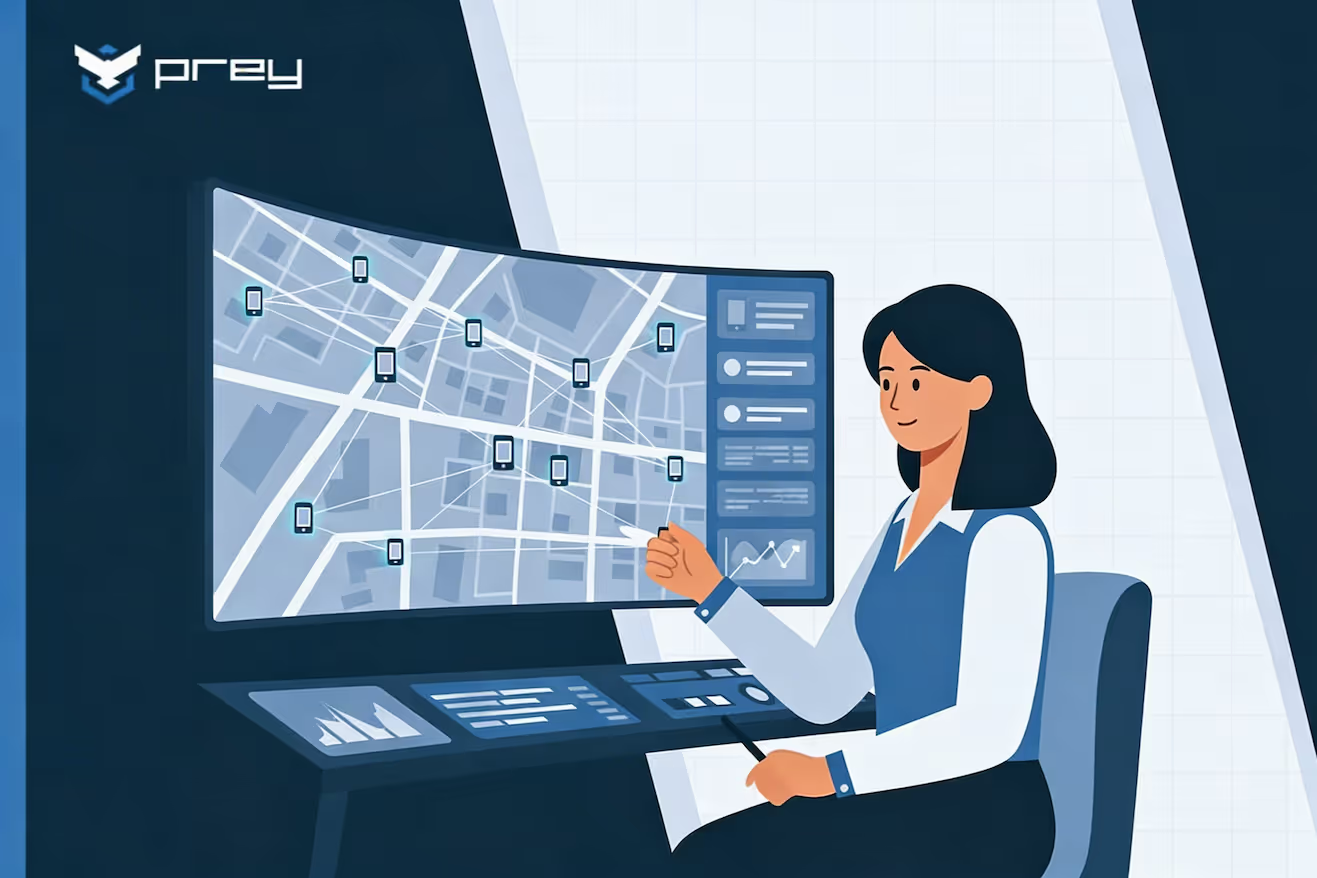
This category is built for movement. If your organization runs delivery routes, field technicians, retail audits, or mobile point-of-sale systems, you don’t just want to know where a device is; you want to know where it’s been and how it moves throughout the day.
Operational tracking focuses on:
If your priority is route optimization and geographic policy automation, this is your lane.
Security & theft recovery tracking
This category activates when something goes wrong. .
A laptop is stolen from a car. A remote employee leaves a device in a café. A hospital tablet disappears from a ward.
In these scenarios, periodic location pings aren’t enough. You need immediate visibility, immediate control, and defensible documentation. You need answers:
- Where is it right now?
- Can I secure it instantly?
- Can I document what happened?
- Can I prove control for compliance?
Security-focused MDM device location tracking requires:
If your fleet includes remote workers, healthcare staff, financial teams, or high-value hardware, this is the category to focus on.
Compliance & inventory tracking
This third category is quieter but equally important.
Here, GPS tracking supports perimeter awareness and documentation rather than active intervention. You want to know which devices left approved zones, whether assets are accounted for, and whether you can generate a report if an auditor asks.
If you primarily need compliance visibility rather than active recovery, this may be sufficient.
MDM GPS tracking comparison — 6 solutions side by side
Marketing pages rarely show you what matters under pressure.
So instead of listing generic features, this comparison focuses on what actually affects IT teams managing devices outside the office: update speed, laptop support, evidence generation, and automation.
Best MDM with GPS tracking by use case
Asking “what’s the best MDM with GPS tracking?” is the wrong starting point. The better question is: best for what?
Are you protecting high-value devices? Tracking field movement? Preparing for audits? Already invested in Microsoft 365?
Below, we break down where each solution fits — and where it doesn’t — so you can align the tool to your real operational pressure points.
Best for location accuracy and theft recovery → Prey
Prey combines always-on tracking and recovery with MDM capabilities in one platform. That focus shows.
What sets it apart:
- Always-on location tracking, not periodic check-ins
- One console for a mixed laptop-and-phone fleet: track Windows, macOS, and Linux laptops alongside Android and iOS phones and Chromebooks in a single dashboard
- Missing Device Report combining GPS, IP, hardware info, screenshots, and covert camera capture
- Wi-Fi triangulation for laptops without GPS hardware
- Offline wipe queue
- Detailed audit trail for compliance-heavy sectors
Best for:
- Healthcare
- Finance
- Education
- Remote/hybrid teams
Honest limitation: no breadcrumb path mapping. If you need route tracking for field services, look elsewhere.
Best for field services and logistics → Scalefusion
Scalefusion shines when devices move constantly and geography triggers policies.
It excels at:
- Breadcrumb tracking
- Path visualization
- Location-based configuration switching
Limitation:
- No covert recovery features
- No structured evidence reporting
If you’re optimizing routes, it’s strong. If you’re recovering stolen laptops, it’s not purpose-built for that.
Best for BYOD compliance programs → Hexnode
Hexnode offers wide OS coverage and solid compliance tools.
It’s a good fit for:
- BYOD programs
- Audit-driven environments
- Multi-platform fleets
Limitation:
Location updates are periodic. If you need real-time active recovery, this isn’t ideal.
Best for Microsoft 365 environments → Microsoft Intune
Microsoft Intune integrates seamlessly with Azure AD and Microsoft 365.
But when it comes to GPS tracking, it’s widely considered its weakest area:
- Limited refresh speed
- No meaningful location history
- No automated geofencing
- No recovery-focused workflow
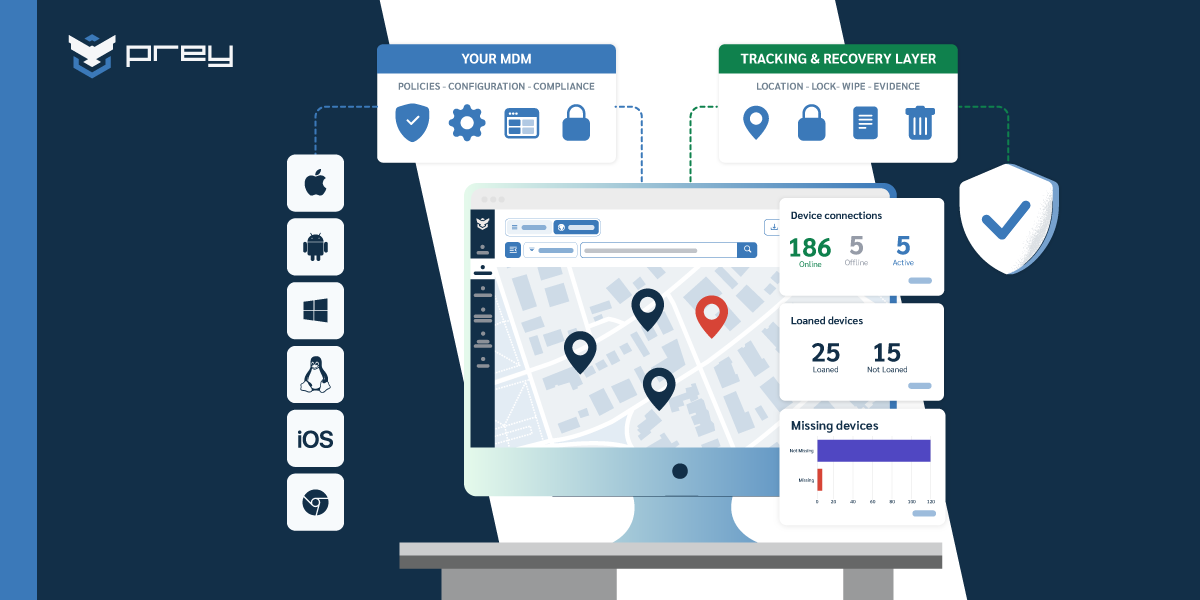
Many organizations keep Intune for policy and enrollment, and run Prey for location and recovery.
Microsoft Intune’s GPS problem — and how to solve it
Because Intune is so widely deployed, it deserves its own section.
IT managers often assume its GPS tracking will be “good enough.” But common complaints include stale data, no location history, and limited actionability.
The practical solution isn’t abandoning Intune.
Let Intune manage:
- Policies
- Identity
- App deployment
Let Prey manage:
- Real-time GPS
- Theft recovery
- Physical visibility
You don’t need to rebuild your stack to fix the tracking layer.
What to look for in MDM GPS tracking (buyer’s checklist)
When evaluating the best MDM solutions with GPS tracking, don’t just look at the presence of a “location” feature. Interrogate how it behaves under stress.
If a device goes offline, is stolen, or crosses a perimeter unexpectedly — what happens next?. Here’s what experienced IT managers pressure-test before signing:
- Update frequency — Is location refreshed in real time or at fixed intervals?
- Laptop compatibility — Does it support Wi-Fi triangulation for devices without GPS hardware?
- Offline behavior — Are wipe and lock commands queued until the device reconnects?
- Evidence collection — Can it generate a recovery-ready report with timestamps and hardware data?
- Geofencing automation — Can it trigger automated actions based on location?
- Compliance audit trail — Are all actions logged for GDPR, HIPAA, or internal reviews?
- Privacy controls — Can tracking be configured transparently and in line with regulatory requirements?
- Cross-platform coverage — Does it support every OS in your fleet, including Linux if needed?
The difference between “has GPS” and “has usable GPS” often lives in these details.
Conclusion
Not all MDM GPS tracking is built for the same reality. The right solution depends on what keeps you up at night: lost and stolen laptops, field operations visibility, or compliance reporting. If your risk is physical device loss in remote or hybrid environments, you need real-time location, automated response, offline wipe execution, and defensible audit logs — not just periodic pings on a map.
Operational fleets may lean toward route-focused tools like Scalefusion, while compliance-driven environments might prioritize broader governance platforms. But if your priority is theft recovery and protecting high-value hardware with actionable evidence, Prey stands out because its GPS layer was built for recovery from day one — not added later as a secondary feature.
Start with your use case, not the feature list. And if real-time tracking and device recovery are critical in your environment, you can test Prey’s tracking capabilities, give us call and discuss your fleet tracking needs.
FAQ
Which MDM solution has the most accurate GPS tracking?
For theft recovery and real-time tracking, Prey offers event-triggered GPS and Wi-Fi triangulation. The best realiable device tracking solution.
Can MDM track a laptop without GPS hardware?
Yes. Some solutions, like Prey and ManageEngine, use Wi-Fi triangulation.
Does Microsoft Intune offer real-time GPS tracking?
No. Intune provides limited and slower location updates. Many organizations keep Intune for policy and enrollment, and run Prey for location and recovery.
What MDM is best for recovering stolen company devices?
Prey is purpose-built for device recovery and evidence reporting.
Is MDM GPS tracking legal under GDPR and HIPAA?
Yes, when implemented transparently with proper policy documentation and privacy controls.
Can one MDM track both laptops and phones?
Yes. A cross-platform MDM tracks laptops and phones from one console instead of separate tools per operating system. Prey covers Windows, macOS, and Linux laptops alongside Android and iOS phones and Chromebooks, with always-on location on every device.
Why is Microsoft Intune's GPS tracking so limited, and what can you do about it?
Intune can locate a device, but only on demand and only in specific conditions (a supervised or enrolled device, Lost Mode on iOS, or a manual locate on Windows), so it isn't the always-on GPS most teams expect. There's no continuous location history and no live view of a device as it moves, which is a real gap when you're trying to recover a stolen laptop. The fix isn't to replace Intune; it's to add a layer that does continuous location. Prey runs alongside Intune with always-on location, location history, and remote lock or wipe, so you keep Intune for policy and add the tracking it doesn't do.
What are the three types of MDM GPS tracking?
They differ by how location is captured. On-demand location pings a device only when an admin asks (what Intune and most UEMs do); periodic check-in reports location on a fixed schedule, so you see where a device was, not where it is; and always-on tracking updates continuously as the device moves, which is what you need for live recovery. Most tools labeled 'MDM with GPS' are really the first two. Prey does always-on location plus history across every OS, so a moving device stays visible in real time rather than as a stale dot.