

What you need to know about retail device management
- The full fleet: Retail device management covers everything a store runs on: POS terminals, mPOS, handheld scanners, tablets, kiosks, and digital signage, managed centrally across locations.
- A different playbook: Store fleets break corporate IT assumptions: devices are shared across shifts, handled by seasonal staff, touched by customers, and located where no IT person works.
- The ignored gap: The device itself can walk out the door. Geofencing, always-on location, and remote lock or wipe turn a walk-off into a contained incident.
- PCI evidence: PCI DSS expects a current device inventory, physical access controls, and audit trails. Exportable device records are what auditors actually ask for.
- Two layers: Your POS vendor's stack manages the terminal software; a device visibility layer covers location, loss response, and inventory. Neither replaces the other.
Your phone rings on a Saturday afternoon. The POS tablet at store seven froze mid-transaction, the backup handheld is nowhere to be found, and the shift lead is improvising with a paper notebook while the line grows. Nobody at that store can fix it, because nobody at that store works in IT.
That's the part most retail device management advice gets wrong. It assumes the fleet is "remote," like a developer's laptop on home Wi-Fi. Retail fleets aren't remote. They're unattended. Every store is a branch office with zero IT staff on site, devices shared by whoever is on shift, and hardware that customers can physically touch. The device isn't just carrying data that can leak; it's an object that can walk out the door between inventory counts.
That combination creates a specific set of risks: downtime that closes checkout lanes, shared logins nobody can trace, seasonal staff who inherit devices with no paper trail, and cardholder data flowing through hardware you can't always account for. PCI DSS auditors will eventually ask you to prove otherwise.
This guide walks through what managing a store fleet actually involves: the device types you're responsible for, why store fleets need a different playbook, how to lock down customer-facing hardware, what to do when a device disappears, and how to keep the whole thing audit-ready without a compliance team.
What retail device management actually covers
Retail device management is the practice of enrolling, configuring, monitoring, and securing every device a store operation depends on, from a central console, across all locations. It combines mobile device management capabilities (enrollment, policies, remote actions) with the operational realities of physical stores: shared hardware, trading hours, and no on-site IT.
The first step is knowing what "the fleet" actually means in retail, because it's broader than most IT teams assume:
- Fixed POS terminals and registers, the core transaction hardware
- Mobile POS (mPOS) tablets and card readers used on the floor
- Handheld scanners and inventory devices, usually Android-based
- Customer-facing tablets and self-service kiosks
- Digital signage players and price-display screens
- Back-office machines: the manager's PC, label printers, sometimes a local server
Each category has a different management need. A fixed POS terminal needs uptime and patch control. A handheld scanner needs assignment tracking, because six people use it per day. A kiosk needs lockdown so a bored customer can't exit the catalog app and open a browser. Treating them as one undifferentiated pile of "devices" is how gaps form.
A useful mental model: sort your fleet by two questions. Who touches it (assigned staff, rotating staff, or customers)? And does it touch cardholder data? Those two answers determine the management profile for every device in the building.
Why do store fleets break the corporate IT playbook?
Corporate device management assumes one device, one user, one identity. Retail breaks that assumption on day one. A handheld scanner at a mid-size store might pass through six pairs of hands per shift. If the login is shared (and it usually is), then when something goes wrong, your audit trail says "staff" and nothing else.
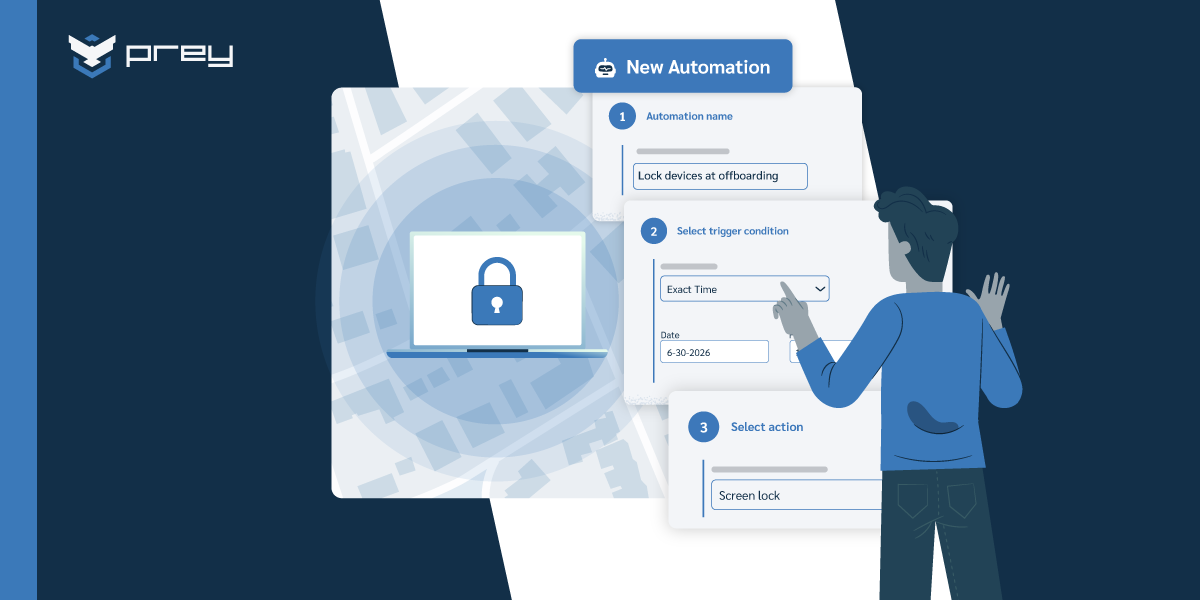
Then there's churn. Retail turnover runs far above office norms (U.S. figures put annual separations near 60%), and holiday hiring makes it spiky. Picture a 15-store chain doubling floor staff in November. Tablets get pulled from drawers, assigned informally, passed between shifts. In January, IT inherits the aftermath: devices assigned to people who no longer work there, chargers missing, and no record of who had what. The offboarding scavenger hunt eats a week that nobody budgeted.
The third break is distance. When a config change goes wrong on a corporate laptop, the user files a ticket and works from their phone meanwhile. When it goes wrong on a POS tablet, a checkout lane closes and revenue stops in a way the store manager can measure by the hour. There's no local IT to walk over and fix it, so every fix has to work remotely, or someone drives.
This is why device lifecycle management matters more in retail than almost anywhere else. Provisioning, assignment, reassignment, and retirement happen constantly, at scale, and mostly without IT physically present.
Each of those breaks compounds per site. A multi-location retailer running tablets and handhelds across twelve stores has twelve enrollment queues, twelve turnover cycles, and twelve places a device can quietly go missing, against one IT team that sees none of them in person. Consolidating multiple locations into a single console is the difference between managing a fleet and reconstructing it after the fact.
Quick win: build a seasonal on/offboarding checklist now, before you need it. One page: device assigned, login issued, accessories logged at handout; device returned, wiped, and reassigned at exit. If you can't answer "who has tablet 12 at store 4 right now," that's the first gap to close.
Locking down customer-facing devices
Any device a customer can touch needs to be treated as hostile territory. The standard control is kiosk mode (also called single-app mode): the device boots into one application and the user can't leave it, no settings, no browser, no home screen. Most Android device management platforms support it natively, and it should be the default state for every self-service kiosk, price checker, and floor tablet.
But kiosk mode is a UX control, not a security strategy. Underneath it you still need a configuration baseline per device role: which apps are installed, which network the device joins, whether USB ports are active, what the screen-lock policy is. Define one baseline per role (kiosk, mPOS, handheld, signage) and apply it everywhere. The alternative is config drift, where store three's kiosks behave differently from store nine's because someone adjusted settings locally two years ago and nobody documented it.
Updates deserve their own plan. A patch that reboots devices at 2 p.m. on a Saturday is self-inflicted downtime. Schedule OS and app updates outside trading hours, stagger them across locations so you never have every store updating simultaneously, and verify the update landed by checking each device reported back afterward, rather than assuming silence means success. Silence, in an unattended fleet, more often means the device has been sitting in a drawer disconnected for three weeks.
Quick win: audit your customer-facing devices this week. Every kiosk and floor tablet should be in single-app mode with USB debugging off and a defined update window. Anything that fails that check is one curious customer away from being a problem.
How do you stop store devices from walking out the door?
Search this topic and you'll find plenty about securing the data on retail devices. Almost nothing about the more basic problem, the one every vendor page skips: the device itself is merchandise. Tablets and handheld scanners are small, valuable, and pocketable, and they disappear the same way inventory does. The difference is that a stolen tablet isn't just shrinkage; it's an endpoint with network credentials, app sessions, and possibly customer data, now outside your perimeter.
Here's how it plays out. Saturday, mid-shift, store seven again. A floor handheld doesn't come back at shift change. Nobody knows if it's misplaced in the stockroom or already gone. Without location tooling, the response is a physical search, a shrug, and an insurance line item. With it, the response is a runbook: check last known location, lock the device remotely, review its movement history, and if it's confirmed outside the store, wipe it and hand loss prevention a timestamped trail instead of a guess.
Two capabilities make that runbook possible. The first is always-on location with history, so "when did this device leave" has an answer measured in minutes, not shifts. The second is geofencing: a virtual perimeter around each store that triggers an alert the moment a device crosses it. For a fleet that's supposed to never leave the building, a geofence turns theft detection from a weekly inventory surprise into a same-hour notification.
Treat this as loss prevention infrastructure, not an IT nice-to-have. Store managers already run LP processes for merchandise; device walk-offs belong in the same workflow, with IT providing the evidence trail.
Quick win: geofence every store location and write a four-step walk-off runbook (alert, lock, locate, wipe). Then run one drill: take a test device out the front door and measure how long until your team knows. If the answer is "we wouldn't," you've found the project.
Keeping the fleet PCI-ready without a compliance team
If your devices process card payments, PCI DSS applies to you, and several of its requirements are really device management requirements wearing compliance language. Requirement 9 covers physical access to systems: you need to restrict and monitor who can reach devices that touch cardholder data, and periodically inspect them for tampering. Requirement 12 expects a maintained inventory of system components. Requirement 10 expects audit trails for access to system components.
For a multi-store fleet, that translates into three operational habits. First, a live device inventory that matches reality, not a spreadsheet from the last refresh cycle. IT asset visibility across locations is the foundation; if a terminal exists that your inventory doesn't know about, your PCI scope is wrong. Second, documented procedures for lost or stolen devices, because "what happens when hardware disappears" is a question assessors ask directly. Third, exportable records: enrollment dates, last connection, location history, wipe confirmations.
The scenario that makes this concrete: your acquirer requests a PCI assessment, and the assessor asks for the device inventory of your cardholder data environment across all twelve stores, plus evidence of your lost-device procedure in action. The team that manages devices with a central platform exports a report in an afternoon. The team that manages devices with a spreadsheet and store-manager memory spends three weeks reconstructing reality, and the PCI DSS requirements don't grade on effort.
Compliance here is a byproduct of operational discipline. If your inventory is current and your incident runbook produces timestamps, the audit is mostly an export job.
Quick win: reconcile your device inventory against your PCI scope once a month. Every device that touches cardholder data should appear in both, and any device in scope that hasn't connected in 30 days needs an explanation on file.
How endpoint management tools close these gaps
By now the pattern is visible: every gap in this article is a visibility or control gap. The tooling question is how to cover them without buying five products.
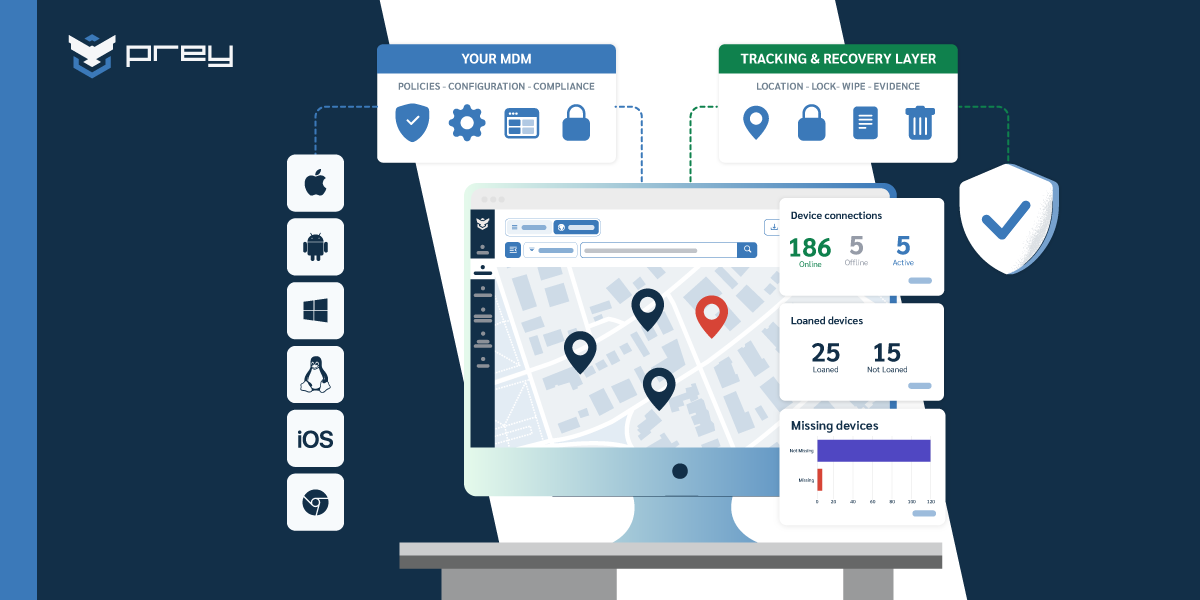
The workable model for most retail operations is two layers. Your POS vendor's own management stack handles the transaction layer: payment terminal configuration, POS software updates, payment compliance. A device visibility and security layer sits alongside it, covering what the POS stack doesn't: where every device is, who it's assigned to, what happens when one disappears, and the inventory that feeds your audits. Neither layer replaces the other.
When you evaluate that second layer, the retail-specific requirements list looks like this: multi-store device grouping, always-on location with history, geofenced alerts per site, remote lock and wipe, assignment or loan tracking for shared hardware, and hardware/software inventory that exports cleanly. Cross-platform coverage matters too, since real store fleets mix Android handhelds, Windows back-office machines, and iOS or Android tablets.
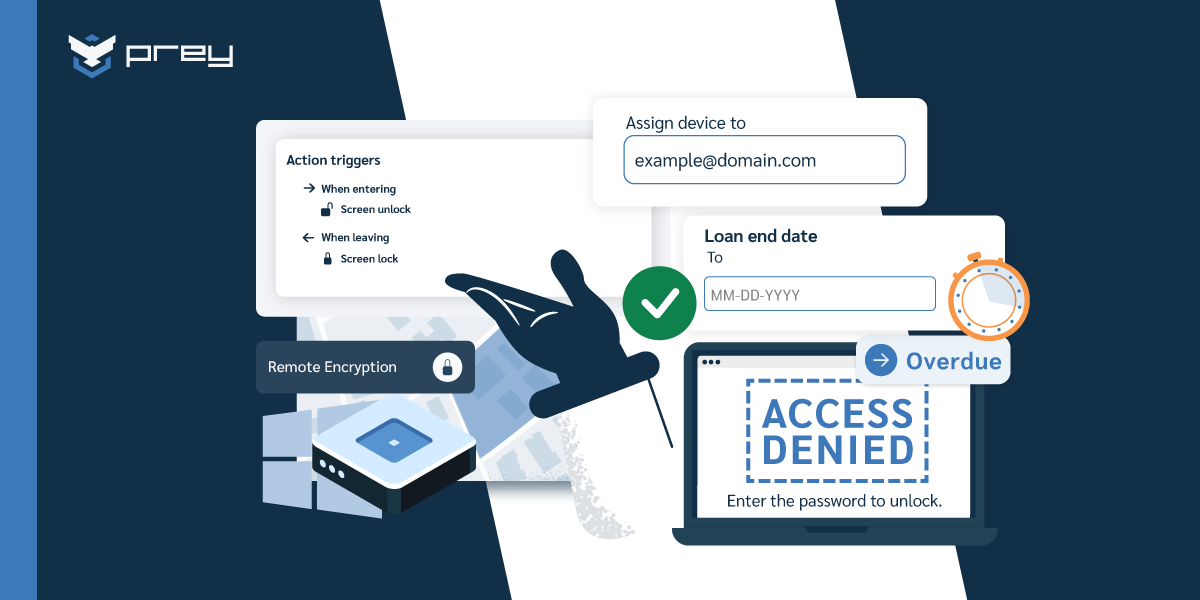
This is the layer where Prey fits. IT teams use it to group devices by store, draw a Control Zone around each location, and get an alert the moment a handheld crosses the perimeter, with lock and wipe one action away. The Loan Manager handles the shift-and-season problem: devices get assigned to staff with a return date, so January offboarding is a checklist instead of an investigation. And the same inventory and location history that runs daily operations doubles as the evidence file when the PCI assessor emails. For a walk-off, the workflow is the runbook from earlier, executed from one dashboard: exit alert, remote lock, location trail, wipe confirmation, all timestamped.
If you're comparing options, the MDM solutions for SMBs roundup covers the broader market, and MSPs managing retail clients should look at the multi-tenant considerations separately, since managing twelve clients' stores multiplies everything in this article by twelve.
Treat the store fleet like the branch office it is
The thread running through all of this: retail devices live in the one environment corporate security models ignore. Not behind the office firewall, not at a trusted employee's home desk, but on a sales floor where staff rotate weekly, customers wander freely, and the nearest IT person is a highway away. Unattended, not remote.
Managing that fleet well comes down to three things you can build deliberately. Visibility: a live inventory of every device, per store, with location and assignment. Control: lockdown baselines for anything customers touch, update windows that respect trading hours, and remote actions that work without anyone on site. Evidence: the timestamps, trails, and exports that turn both an incident and an audit into routine paperwork.
Monday morning version: pick your highest-traffic store and answer three questions. How many devices are in that building? Who had each one last Saturday? And if one left through the front door right now, how long until you'd know? Whatever those answers expose, that's your roadmap.
FAQ
What is retail device management?
Retail device management is the centralized administration and security of all devices a retail operation runs on, including POS terminals, mobile POS tablets, handheld scanners, kiosks, and digital signage. It covers enrollment, configuration, monitoring, remote actions, and inventory across every store location from a single console, so IT can support devices in places where no IT staff works.
How do retailers manage POS devices across multiple stores?
Multi-store fleets are managed by grouping devices by location in a central platform, applying one configuration baseline per device role, and scheduling updates outside trading hours. Remote troubleshooting, lock, and wipe capabilities remove the need for on-site IT visits, and per-store device inventories keep assignment and compliance records accurate.
What is kiosk mode on retail tablets?
Kiosk mode (or single-app mode) locks a device to one application, preventing users from accessing settings, browsers, or other apps. In retail it's the standard control for customer-facing tablets, self-service kiosks, and price checkers, ensuring a shared or public device only does the job it was deployed for.
Does device management help with PCI DSS compliance?
Yes. PCI DSS expects a maintained inventory of system components, restrictions and monitoring of physical access to devices that handle cardholder data, and audit trails. A device management platform produces that evidence operationally: live inventory exports, location and connection history, and timestamped records of remote actions like lock and wipe.
How do you prevent store tablets and handhelds from being stolen?
Combine physical measures with device-level controls: assignment tracking so every shared device has an accountable holder per shift, geofenced alerts that trigger the moment a device leaves the store perimeter, and a documented response runbook (lock, locate, wipe). Always-on location history also gives loss prevention a timestamped trail for investigations.
What's the difference between MDM and retail device management?
MDM is the general technology category: enrolling and managing mobile devices through policies and remote commands. Retail device management is MDM applied to store operations, adding requirements generic MDM doesn't emphasize: kiosk lockdown for customer-facing hardware, shared-device assignment across shifts, per-store geofencing, update windows around trading hours, and PCI-oriented inventory evidence.