Your sales team just got told to enroll their personal phones in MDM. By Thursday, three of them have quietly refused, one has filed a complaint with HR, and someone has posted in the company Slack asking whether IT can now see their text messages. You haven't pushed a single policy yet. The standoff started the moment you said the word "enroll."
This is the part of BYOD MDM that the vendor demos skip. The technology to manage personal devices is mature and mostly commoditized. Enrollment, work profiles, app management, remote actions: all solved problems. The hard part is human. People will hand you their corporate laptop without blinking and then guard their personal phone like it's a diary, because to them, it is.
That tension is also why BYOD keeps showing up as a compliance headache. A personal phone with corporate email is a device holding company data that you don't own and can't fully control. Get the management too light and you've got data leaking onto unmanaged devices. Get it too heavy and you've got a privacy revolt and a GDPR problem of your own making. The line between those two failures is narrow, and most teams find it by trial and error.
This guide walks the line deliberately. It clears up the terms that get muddled (BYOD, MDM, MAM), gives you a decision framework for the ownership models, and spends real time on the thing that actually determines whether BYOD works: convincing people to enroll. Because the hardest part of BYOD isn't the tech. It's getting people to opt in.
BYOD vs MDM vs MAM: what actually does what
These three terms get used interchangeably and they shouldn't be. Getting them straight is the difference between a BYOD program people accept and one they fight.
BYOD (Bring Your Own Device) is an ownership model: employees use their personal devices for work. MDM (Mobile Device Management) is a technology that manages the whole device: settings, security policies, and, when needed, the ability to wipe it. MAM (Mobile Application Management) is narrower. It manages only the corporate apps and data on a device, leaving everything personal outside IT's reach.
The distinction matters most in a BYOD context. Full MDM on a personal phone is where the privacy fear lives, because device-level management implies device-level control. MAM, or MDM with a work profile that contains corporate apps, manages the corporate container and nothing else. For a lot of BYOD programs, app-level or work-profile management is the right call: you secure the company's data without claiming authority over someone's personal device.
So "can you use MDM on BYOD?" has a nuanced answer. Yes, but usually you want the lighter touch: a managed work profile or app management rather than full device control. The technology supports both. The choice is a policy decision about how much of a personal device you're entitled to govern, and it sets the tone for everything that follows.
Quick win: Before you pick a tool, decide whether you're managing devices or just corporate apps. Writing that one sentence down ("we manage the work profile, not the phone") prevents half the enrollment objections you'd otherwise hit.
Which model fits: BYOD, COPE, COBO, or CYOD?
BYOD is one of four ownership models, and picking the wrong one creates friction you'll spend months unwinding. The trade-off is always the same: more corporate control means less employee privacy and more cost, and vice versa.
- BYOD (Bring Your Own Device): Employee owns it, uses it for work. Lowest cost, highest convenience, most privacy tension. Best for personal phones with light corporate access (email, chat).
- COPE (Corporate-Owned, Personally Enabled): Company owns it, employee can use it personally. Full control, clean separation, higher cost. Common for roles with sensitive data access.
- COBO (Corporate-Owned, Business Only): Company owns it, no personal use. Maximum control, used for kiosks, shared devices, or high-security roles.
- CYOD (Choose Your Own Device): Company owns it, employee picks from a list. A middle ground that balances choice with standardization.
The decision usually comes down to data sensitivity and who's paying. If the role touches regulated data daily, COPE or COBO removes the privacy ambiguity entirely because the device is corporate. If you're enabling email and Slack on phones people already own, BYOD with a managed work profile is proportionate. Many organizations run a mix: COPE for finance and engineering, BYOD for everyone else. There's no single right answer, only the right match for each role's risk. (We go deeper on the BYOD vs CYOD trade-off in a dedicated comparison.)
Consider a 200-person company that defaulted everyone to BYOD to save money, then discovered their finance team was handling payment data on unmanaged personal laptops. The fix wasn't more BYOD policy. It was moving that one team to COPE, where the company owned the device and the control questions disappeared. The model was the lever, not the rules layered on top.
Quick win: Map your roles to data sensitivity before choosing a model. Any role touching regulated data daily is a candidate for COPE, where corporate ownership removes the privacy standoff entirely.
The privacy standoff (and how to win it)
This is the section the vendor pages won't write, and it's the one that decides whether your BYOD program survives contact with actual employees.
The standoff is simple. IT wants to secure corporate data on personal devices. Employees assume that "manage my device" means "read my messages, see my photos, track my location, and wipe everything if I leave." They're not paranoid; they've seen the horror stories. And until you address that assumption directly, every enrollment request reads as surveillance.
You win it by drawing the line and proving it. With a managed work profile or app management, the technical reality is that IT sees and controls the corporate container only: company email, managed apps, work data. IT does not see personal photos, personal messages, browsing history, or personal app data. That's not a promise; it's how the architecture works. The problem is that nobody tells employees this, so they fill the gap with worst-case assumptions.
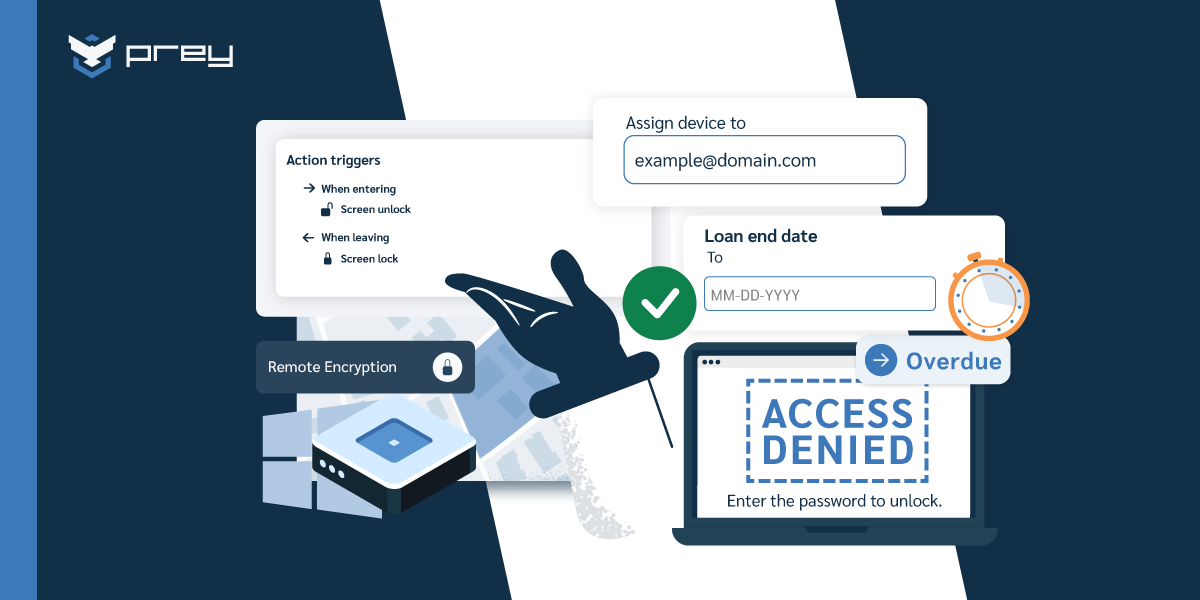
The control that makes the promise concrete is selective wipe. When an employee leaves or loses a device, IT can remove the corporate container (email, work apps, company data) without touching anything personal. The photos stay. The contacts stay. The personal apps stay. Only the work data is removed. Once people understand that offboarding means "your work account disappears" and not "your phone gets bricked," the temperature drops fast.
Picture the rejected-enrollment scenario from the intro, handled correctly. Instead of mandating MDM, IT sends a one-page explainer: here's what we can see (work apps, nothing personal), here's what happens when you leave (work data removed, your phone untouched), here's the work profile that keeps the two separate. Enrollment objections drop because the fear was never about security policy. It was about not knowing where the line was.
Quick win: Write a plain-language "what IT can and can't see" document and send it before you ask anyone to enroll. The biggest source of BYOD resistance is uncertainty, not policy, and one honest page removes most of it.
Building a BYOD MDM policy that holds
A BYOD policy that works is specific about both protection and restraint. It says what IT secures and, just as clearly, what IT leaves alone. Vague policies breed the exact distrust that kills enrollment.
The policy needs to cover the security baseline: a device passcode or biometric lock, encryption on the device, managed corporate apps, and conditional access so that only compliant devices reach company data. These are non-negotiable because they protect the corporate container regardless of what else is on the phone. None of them require reading personal content.
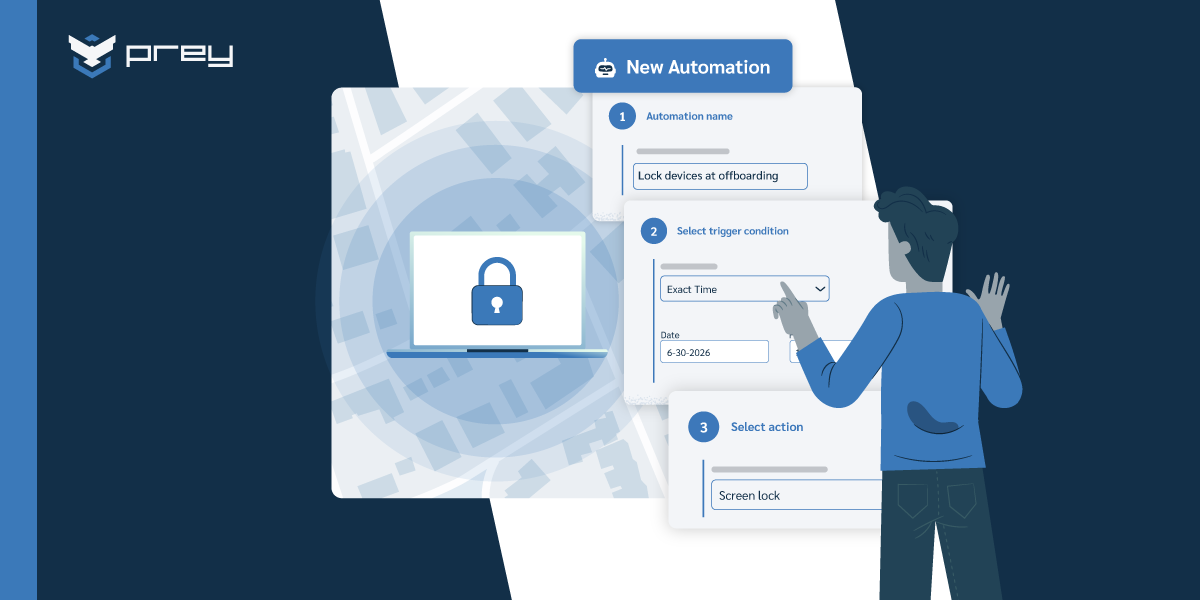
It also needs to cover the lifecycle, and this is where teams get sloppy. Onboarding should enroll the device into the work profile and provision corporate apps. Offboarding should trigger a selective wipe of corporate data the moment access is revoked. The gap most programs leave is the silent middle: a device that's enrolled, then never checked again, drifting out of compliance while nobody's looking.
The BYOD offboarding scenario is the one to design around. An employee leaves. Their personal phone still has corporate email, cached files, and access tokens. If your offboarding is "we'll get to it," that data sits on a device you no longer have any relationship with. If your policy fires a selective wipe on access revocation, the corporate container is gone within minutes and the employee keeps their phone exactly as it was. Clean for both sides. (When offboarding fails and data is exposed, you're into breach response territory, which is a more expensive place to operate.)
Quick win: Check that your offboarding process actually triggers a corporate-data wipe on BYOD devices, not just an account deactivation. A disabled account often leaves cached data and tokens behind on the device.
Managing and securing BYOD devices day to day
Once the model and policy are set, BYOD becomes an operational rhythm: enroll devices, keep an accurate inventory, monitor compliance, and act fast when a device is lost. This is where a management and visibility layer earns its keep.
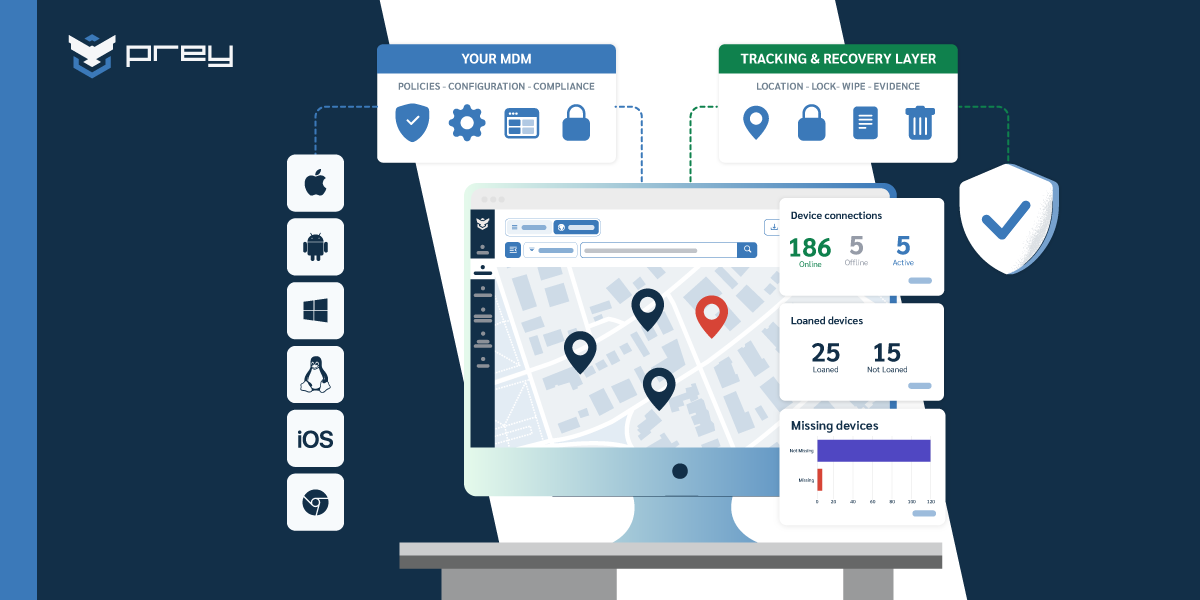
The workflow looks like this. Each enrolled device reports its status and location, so your inventory reflects which personal devices are actually accessing corporate data right now, not a stale list from last quarter. Compliance is visible, so you can see which devices have drifted (no passcode, outdated OS, missing encryption) and act before drift becomes exposure. And when a phone is lost or an employee leaves, you can lock the corporate container, run a selective wipe, or locate the device, with an audit record of what happened.
Prey fits the visibility and protection layer of a BYOD program for mixed fleets (Windows, macOS, Linux, Android, iOS), where you need inventory, always-on location, and remote lock or wipe across devices you don't physically control. Worth being precise about scope: deeper app management and policy enforcement are on Prey's 2026 roadmap, so today the strongest fit is the tracking, inventory, and protection layer rather than full unified endpoint management. For many lean teams, that visibility-and-protection layer is exactly the gap their existing stack leaves open.
The operational payoff is concrete. When a BYOD laptop with corporate access goes missing, you see it's gone, confirm the corporate data is contained, and remove it remotely, all without touching the owner's personal files. The device vector closes and the privacy promise holds at the same time.
Quick win: Pull a list of every personal device currently accessing corporate email or apps. If you can't produce that list, you're managing BYOD blind, and your first task is visibility, not policy.
BYOD in regulated and education settings
BYOD gets sharper edges when regulation enters the picture, because now the privacy line you draw has legal weight on both sides.
In healthcare and finance, a personal device holding patient or payment data is in scope for HIPAA or PCI whether you like it or not. The corporate container has to be encrypted and access-controlled, and you have to be able to prove it. At the same time, GDPR cuts the other way: over-managing an employee's personal device can itself become a privacy violation. The defensible position is the narrow one, where you manage and can evidence control over the corporate container, and demonstrably leave personal data alone.
Education is its own case. Schools running BYOD or one-to-one programs are managing student devices, which means student privacy law (FERPA in the US) shapes what monitoring is appropriate. The same selective-control principle applies: secure the educational and data layer, don't surveil the student. (We cover the school BYOD trade-offs and broader education device management in dedicated guides.)
Consider the compliance-audit scenario. An auditor asks which personal devices access regulated data and whether the corporate data on them is encrypted and controlled. If your BYOD program has an accurate inventory and compliance reporting, that's a two-minute export. If it doesn't, you're explaining to an auditor why you can't even enumerate the devices in scope, which is a worse conversation than any single finding.
Quick win: If you operate under HIPAA, PCI, or FERPA, confirm you can produce a list of BYOD devices in scope and their compliance status. Inability to enumerate scoped devices is itself an audit finding.
Conclusion
BYOD MDM looks like a technology decision and behaves like a trust negotiation. The tools to manage personal devices are mature; the models (BYOD, COPE, COBO, CYOD) are well understood; the security controls are standard. What determines success is whether the people whose devices you're managing actually enroll, and that comes down to how clearly you draw the line between corporate and personal, and how convincingly you prove you'll respect it.
That's the thread worth keeping. Selective wipe, work profiles, and honest "here's what we can see" communication aren't just features. They're how you turn a privacy standoff into a program people accept. Manage the corporate container, evidence that you do, and leave the personal side alone. Get that right and BYOD stops being a fight.
Monday-morning version: write the one-page "what IT can and can't see" explainer, confirm your offboarding actually wipes corporate data from personal devices, and pull a list of every personal device touching company data. Those three moves resolve more BYOD friction than any policy document.
FAQ
Can MDM manage BYOD (personal) devices?
Yes, but with a lighter touch than a company-owned device. On a personal phone you don't take full control; you manage a work profile or the corporate apps inside it (via BYOD enrollment or MAM, mobile application management), so IT secures work email and files without owning the whole device. When someone leaves, you wipe only the work container, leaving personal data intact. The trade-off is reach: you can't track or fully wipe a device you don't own, which is why some teams issue company devices for higher-risk roles instead.
What's the difference between MDM and MAM for BYOD?
MDM manages the whole device; MAM (mobile application management) manages only the work apps and data on it. For BYOD, MAM is usually the better fit: it protects corporate email, files, and apps inside a container and can wipe just that container, without IT touching the employee's personal phone. MDM makes more sense when the company owns the device and needs full control, tracking, and recovery. Many organizations run both, MAM for personal phones and MDM for company-owned laptops and devices.
Can my employer see my personal data on a BYOD phone?
On a properly configured BYOD setup, no. Work-profile and MAM approaches wall off corporate apps and data from your personal side, so IT can manage and wipe the work container but can't see your photos, messages, personal apps, or browsing. What IT can see is limited to the work profile: compliance status, work-app inventory, and sometimes device model and OS version. If a program is instead run as full MDM on a personal device (rare, and not recommended), the visibility is broader, which is exactly why the work-profile model exists.
BYOD, COPE, COBO, or CYOD: which model should you choose?
It comes down to who owns the device and how much control you need. BYOD (personal device, work container) maximizes flexibility and minimizes cost but limits IT's reach. COBO (corporate-owned, business-only) gives full control for high-security roles. COPE (corporate-owned, personally enabled) and CYOD (choose your own device) sit in between: the company owns the device, so IT can track, secure, and recover it, while the employee still gets some personal use. For anything that needs location tracking or full remote wipe, a company-owned model is what makes it enforceable, and that's where Prey fits.
How do you write a BYOD policy that actually holds?
Cover four things clearly: what data and apps the company manages, what it can and can't see, what happens on exit (selective wipe of work data only), and the security minimums (screen lock, encryption, OS updates). Get employee sign-off at enrollment so the boundaries are agreed, not imposed. Spell out reimbursement and support expectations too, since ambiguity there is what quietly erodes a BYOD program. The policy holds when employees trust that personal data is off-limits and IT trusts that company data is protected.
Is BYOD safe for regulated industries like healthcare, finance, or education?
It can be, but the bar is higher. Under HIPAA, PCI, FERPA, or GDPR you have to prove corporate data is encrypted, access-controlled, and wipeable, and that personal use doesn't leak regulated data, which is hard to guarantee on a device you don't own. Many regulated teams either restrict BYOD to MAM-contained apps or issue company-owned devices for anyone touching sensitive records. The safer default in these settings is a company-owned model where IT can enforce encryption, track the device, and wipe it on demand.